
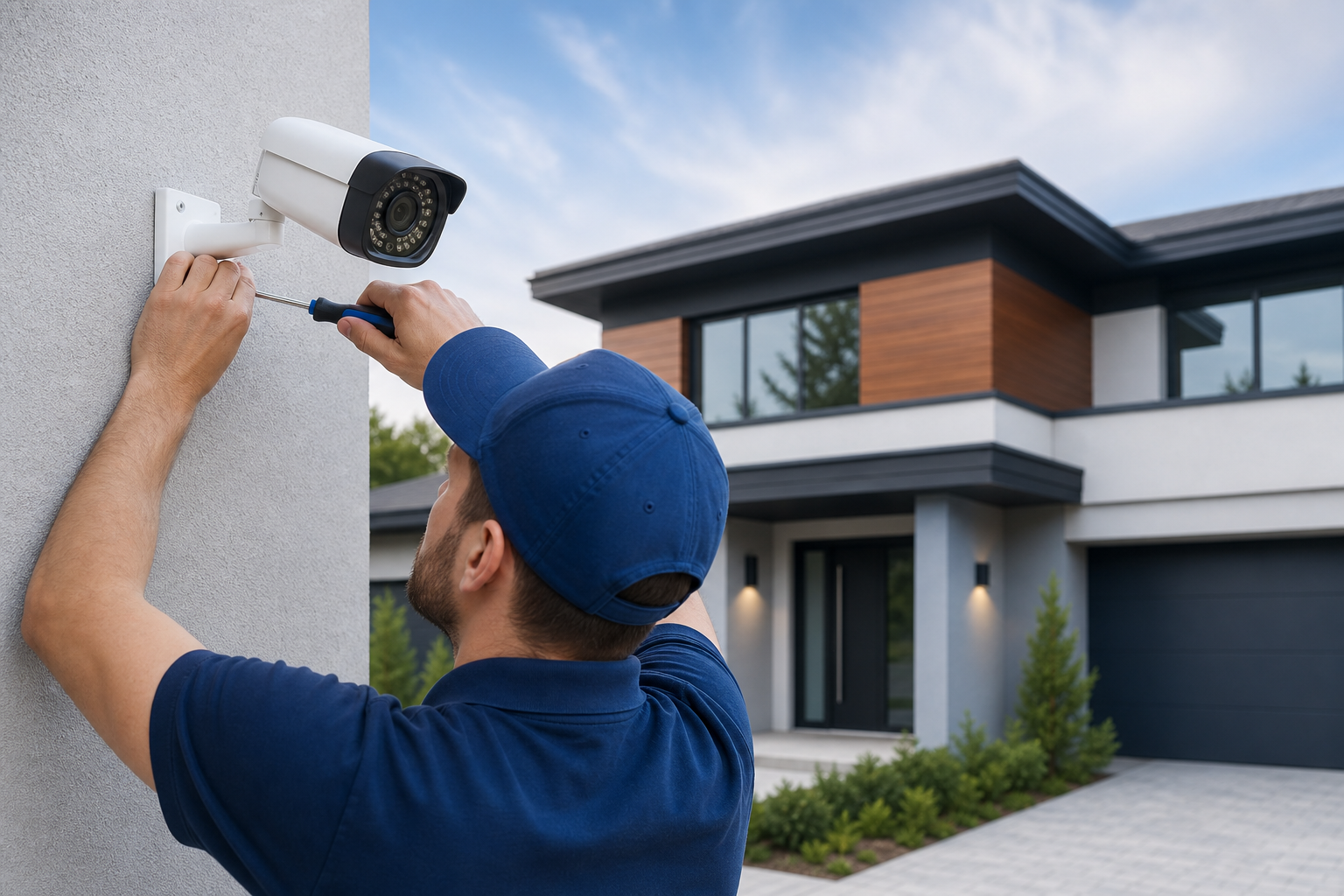
Ready to plan security camera installation?
This checklist walks you through the practical decisions and stop points to plan security camera installation for a home or small business. Use it to decide what to buy, when to call a professional, what to include in installer quotes, and how to verify a finished system is recording reliably.
1. Pre-purchase decisions and the first pause point
Define project goals
Write down why you want cameras. Typical objectives are deterrence, after-the-fact evidence for insurance or police, live monitoring, or 24/7 perimeter detection. Your primary goal determines image quality, field of view, and retention needs.
Decide coverage areas
List areas to cover, for example front and back entrances, garage, high-value interior zones, and parking or loading areas. Keep this simple: name the location and the main purpose for each camera, such as "front door for visitor identification" or "back lane for vehicle detection."
Ownership and budget model
Choose whether you want to own hardware outright, use subscription cloud services, or a hybrid. Subscription services often simplify remote access but can add recurring costs. If you need help weighing options, an installer can compare total cost of ownership versus monthly services.
Pause decision: DIY or hire
- Reasonable DIY scope: under three cameras, short mounts on exterior walls, and reliable Wi-Fi, with no required conduit or structural access.
- Hire a professional if you need more than three cameras, PoE wiring, long cable runs, roof or attic access, strict identification requirements using DORI, or multi-building coverage.
This first pause point saves buyers from selecting the wrong equipment before a site survey. For commercial projects, consider planning items such as a site walkthrough, coverage plan, network review, storage calculation, user permissions and documentation as outlined in a commercial checklist.
2. Do a site survey and coverage plan
Use DORI to set camera goals
Apply Detection, Observation, Recognition and Identification levels to each camera task so you pick the right resolution and lens. Professional deployments commonly use staged gates and DORI to translate coverage needs into camera counts and placements as described in deployment checklists and in broader surveillance planning resources that outline design through go-live stages.
Create a simple sketch
Draw a floor plan or lot sketch and mark camera positions, approximate angles, likely blind spots, door and window locations, and light sources at night. Note mounting constraints such as soffits, gable ends and poles. This sketch becomes the basis for a camera count and installer quote.
Record lighting and sightline issues
Walk the site at dusk and at night. Note glare, backlighting, and strong contrasts. Some cameras perform poorly under sodium or mixed lighting and may need IR or WDR features. Document these so an installer chooses compatible models.
3. Choose wired, wireless or hybrid: power and reliability tradeoffs
Wired PoE systems
Power over Ethernet provides centralised power, fewer batteries to maintain, stable bandwidth and easier management for multiple cameras. Wired systems are preferred for reliability and for higher DORI requirements in commercial settings. See design notes for wired systems including conduit and PoE planning in the wired planning guide.
Wireless and battery cameras
Wireless or battery systems install faster and avoid invasive cabling but are limited by weather, RF interference and battery life. They can be ideal for temporary coverage or remote locations where running cable is impractical. A Canadian buying guide discusses these tradeoffs and solar options for remote cameras in its pre-purchase checklist.
Decision triggers to hire a pro
- Need for long Ethernet runs, multiple PoE switches or conduit through exterior walls.
- Roof or attic access, structural penetrations, or planned concealment of cables.
- High identification requirements that require exact lens selection and calibration.
4. Prepare cabling, mounting points and weatherproofing
Map cable routes and conduit requirements
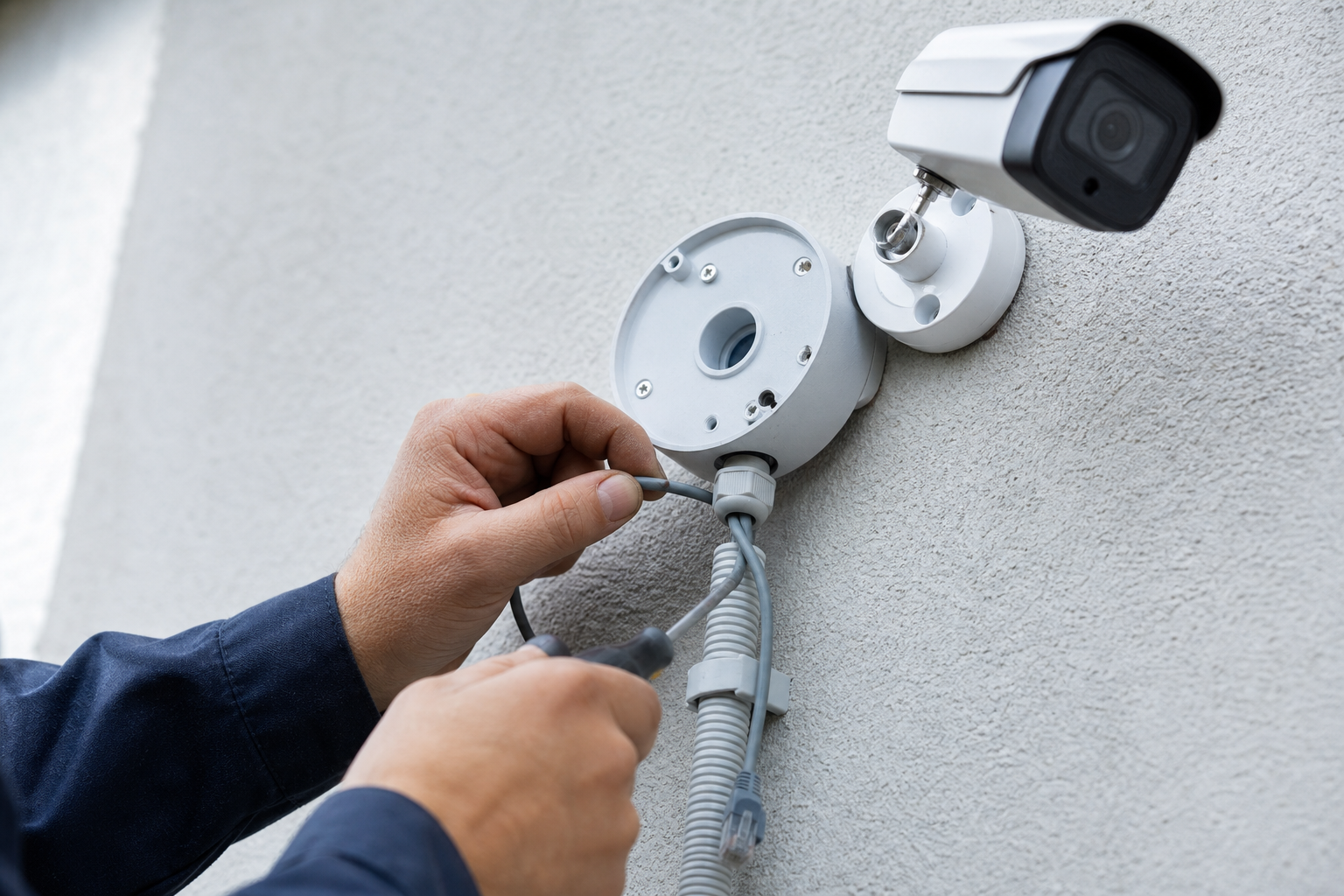
Plan where cables will run, how they enter the building, and whether conduit or fire-rated penetrations are required. For wired systems, plan PoE switch locations and UPS backup if uninterrupted operation matters. Installation guides for wired systems cover conduit and route best practices in detail.
Choose mounting hardware and protection
Decide mounting height to balance viewpoint and tamper resistance. For exterior cameras select housings with appropriate IP and IK ratings for weather and vandal resistance. Add surge protection and grounding where external metal conduit or antennas may increase lightning risk.
Structural and safety considerations
If installation requires roof work, structural reinforcement, or work on high poles, schedule a trades contractor or professional installer. Safety equipment and fall protection may be needed for multi-storey or steep roofs.
5. Verify network readiness and calculate storage
Check switch capacity and bandwidth
Count PoE ports, evaluate whether existing switches can handle the additional load, and leave spare capacity for expansion. Estimate per-camera bandwidth based on resolution, frame rate and compression. Multiply by the number of simultaneous streams to check core network links and internet uplink if you plan remote viewing.
Decide between local NVR and cloud
Local NVRs keep footage on site and reduce internet bandwidth needs, while cloud storage simplifies offsite retention and access. Calculate storage needs based on whether you plan continuous recording or motion-triggered recording and how many days of retention you require. A deployment checklist can help with capacity planning and staging decisions as part of a commercial plan.
Network segmentation and quality
Plan a camera VLAN and quality of service rules to prioritise video traffic. For multiuser access, set clear rules for remote access, port forwarding or a secure VPN to avoid exposing devices directly to the internet.
6. Commissioning and testing checklist before go-live
Verify live view and recordings
- Confirm each camera displays in the management software and records to the chosen storage.
- Check timestamps and time zone settings so evidence has accurate timing.
Tune motion detection and false alarms
Adjust motion zones and sensitivity to reduce nuisance alerts from trees, traffic or shadows. Run test events to ensure motion triggers record the intended area and are retained according to policy.
Remote access and user permissions
Create accounts with least privilege. Test remote viewing from typical user devices and confirm multiuser access works. Verify backups and exported video can be retrieved and played on a separate device.
Run a live-case test
Simulate an event such as a walk past an entrance. Export clips and confirm they show sufficient detail for your stated goal, whether recognition or identification. This practical test confirms evidence usability before the system goes live. Commissioning and maintenance checklists commonly include these steps in installation and maintenance templates.
7. Documentation, maintenance, privacy and installer vetting
Prepare a handover pack
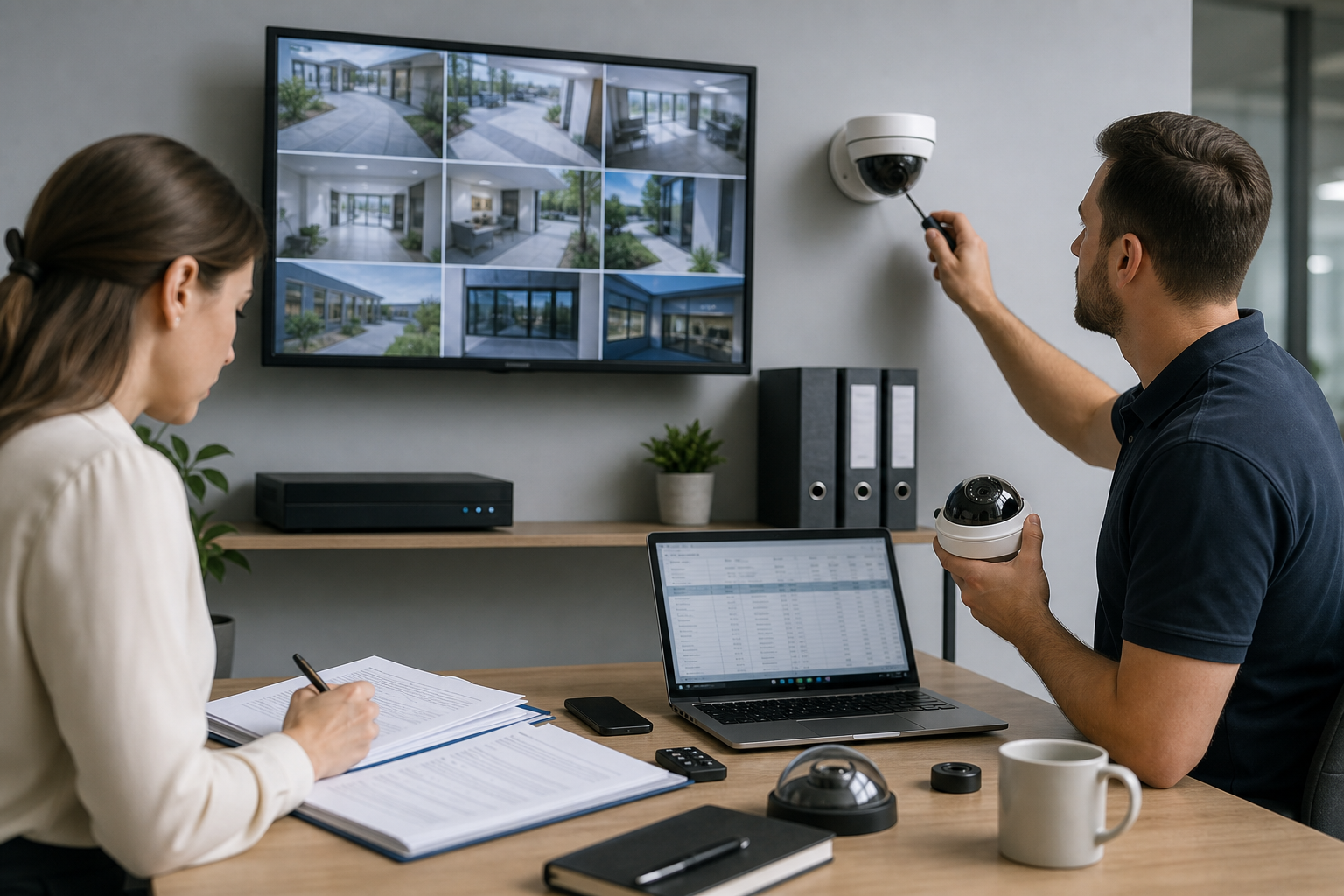
Record a simple handover with the site plan, camera list and angles, cable labels, switch ports, user accounts and firmware versions. Keep passwords in a secure password manager and record warranty and service terms in the handover.
Maintenance schedule
- Monthly: visual checks and lens cleaning.
- Quarterly: recording verification and event exports.
- Annually: firmware updates, cable inspections and physical security checks.
These intervals match common maintenance recommendations and help keep the system reliable from maintenance templates.
Privacy, signage and Canadian guidance
For cameras that can view public spaces or areas used by others, consult the RCMP guidance on closed circuit television systems to ensure you meet privacy expectations and applicable obligations for public-facing installations as published by the RCMP. Add clear signage where required and avoid pointing cameras into private interiors or neighbour properties without consent.
Installer vetting checklist
When requesting quotes, ask each installer to provide:
- A marked site plan with proposed camera locations and coverage angles.
- Camera model list and lens specifications including DORI expectations.
- Wiring diagram, switch and PoE plan, and conduit routing where applicable.
- Storage specification, retention policy and how backups are handled.
- Warranty, post-install service terms and firmware update policy.
- Proof of liability insurance and a clear written scope of work with itemised pricing.
Asking for these items makes bids comparable and reduces scope gaps. Commercial checklists recommend capturing these same elements as part of a complete installation plan in the project checklist.
8. Next steps and what to send an installer
If any decision gate above pointed you to hire a professional, prepare the site sketch, list of goals, and any photos you took after dusk and at night. Send those materials along with your installer questions. A professional can convert your documented goals into a staged design, bill of materials and a firm quote.
Frequently asked questions
Should I choose wired or wireless cameras for my home in Canada?
Choose wired PoE for reliability, centralised power and better performance for many cameras. Wireless or battery cameras are convenient for temporary or hard-to-wire spots. Consider a hybrid approach for mixed needs, and consult buying checklists that compare wired, wireless and solar options in a Canadian guide.
How do I calculate storage and bandwidth needs for multiple cameras?
Estimate per-camera bandwidth from resolution, frame rate and codec, multiply by concurrent streams and add headroom. Decide between motion-based or continuous recording to influence storage. Use a deployment checklist to stage capacity planning and retention decisions as a reference.
What should I include in a request for quote to get comparable installer bids?
Provide your sketch, desired camera count and goals, photos of typical mounting locations, expected retention period, and whether you prefer wired or wireless systems. Request the site plan, camera list, wiring diagram, storage spec and warranty in each quote so bids can be compared fairly.
Do I need signs or permits when installing cameras that face public areas?
Signage and permit needs depend on the location and whether footage captures public spaces. Consult the RCMP guidance for CCTV for privacy considerations and check local bylaws. When in doubt, add visible signage and discuss compliance with your installer as recommended by RCMP guidance.
Final checklist before you call a pro
- Clear project goals and a labelled site sketch.
- Decision on wired, wireless or hybrid and a note of any power or conduit constraints.
- Photos of mounting points at day and night, and a list of must-capture angles.
- Desired retention period and remote access requirements.
- Installer questions ready about warranty, insurance and a written scope of work.
If you prefer a turnkey site survey and quote, True Vision Surveillance can review your checklist and provide a professional proposal. Call +1 (647) 526-2202 or visit True Vision Surveillance to request a site survey.